
Guide / CRM
CRM
Pipelines, deals, tasks and meetings, so an interested reply becomes real business.
Where to find it
Sidebar → CRM: Pipelines, Deals, Tasks and Meetings.
Why it matters
A positive reply is the start of the work. Keeping deals, follow-ups and calls next to the conversations that created them means nothing slips between tools.
Pipelines
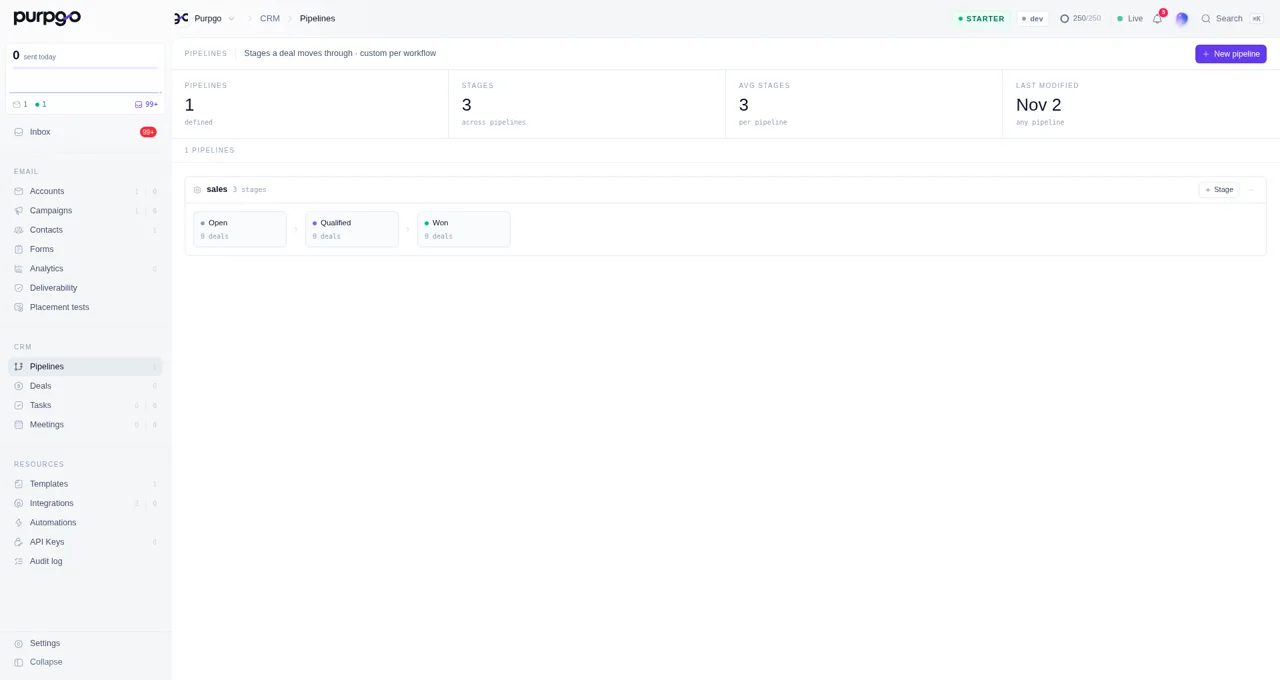
A pipeline is the set of stages a deal moves through, custom to how you sell. Each stage shows how many deals it holds, and you can add stages or whole new pipelines.
Deals
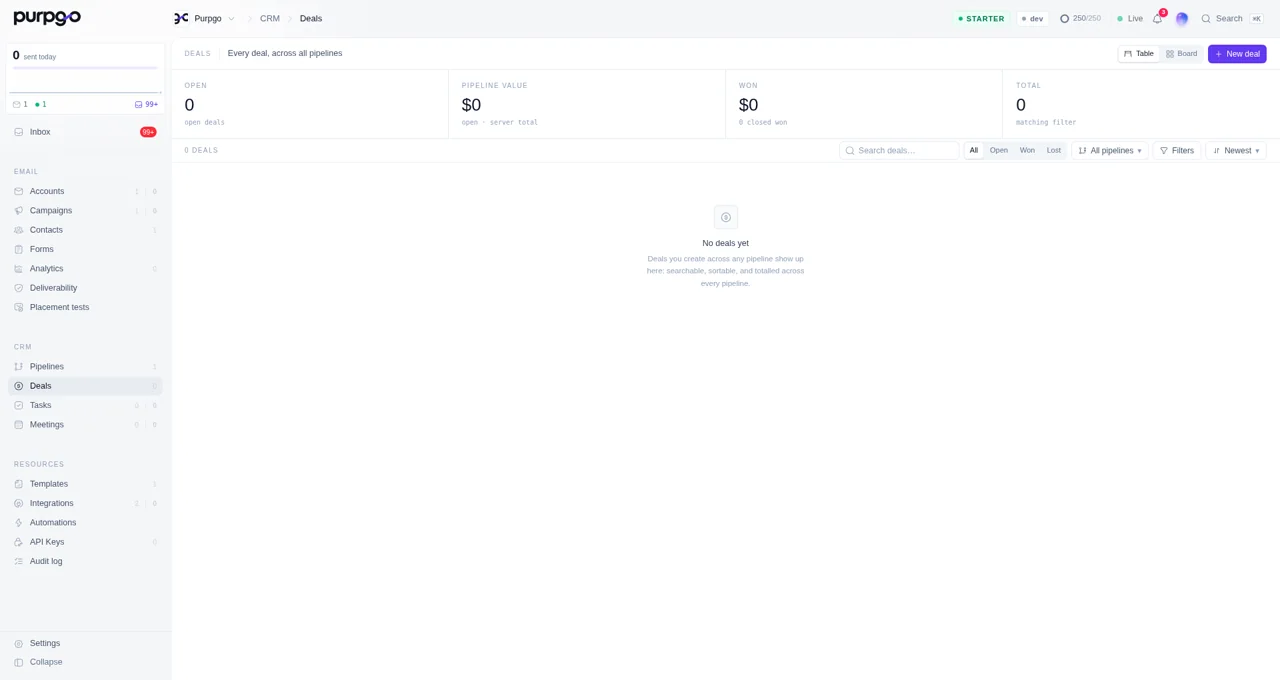
Every deal across all pipelines in one place, with open deals, open pipeline value and won value up top. Switch between a table and a board, filter by open, won or lost, by pipeline and more.
Tasks
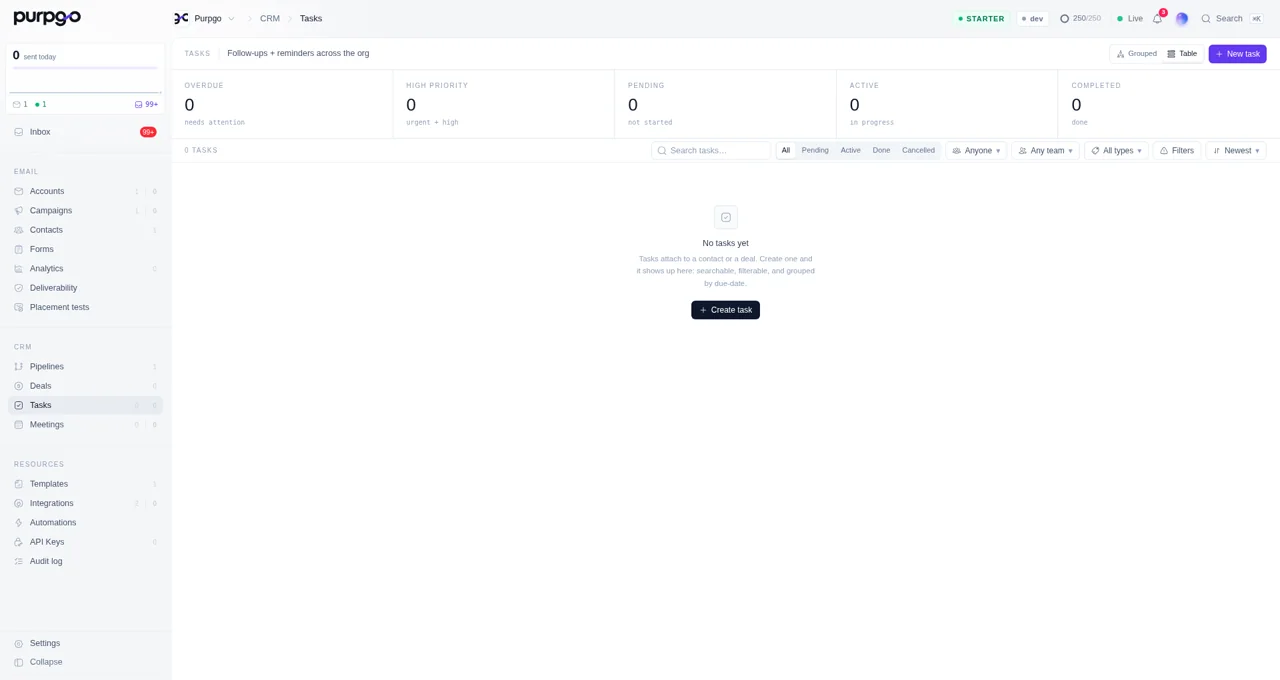
Follow-ups and reminders across the workspace. Tasks attach to a contact or a deal, and counters flag what is overdue, high priority, pending, active and completed. View them grouped or as a table, and filter by person, team and type.
Meetings
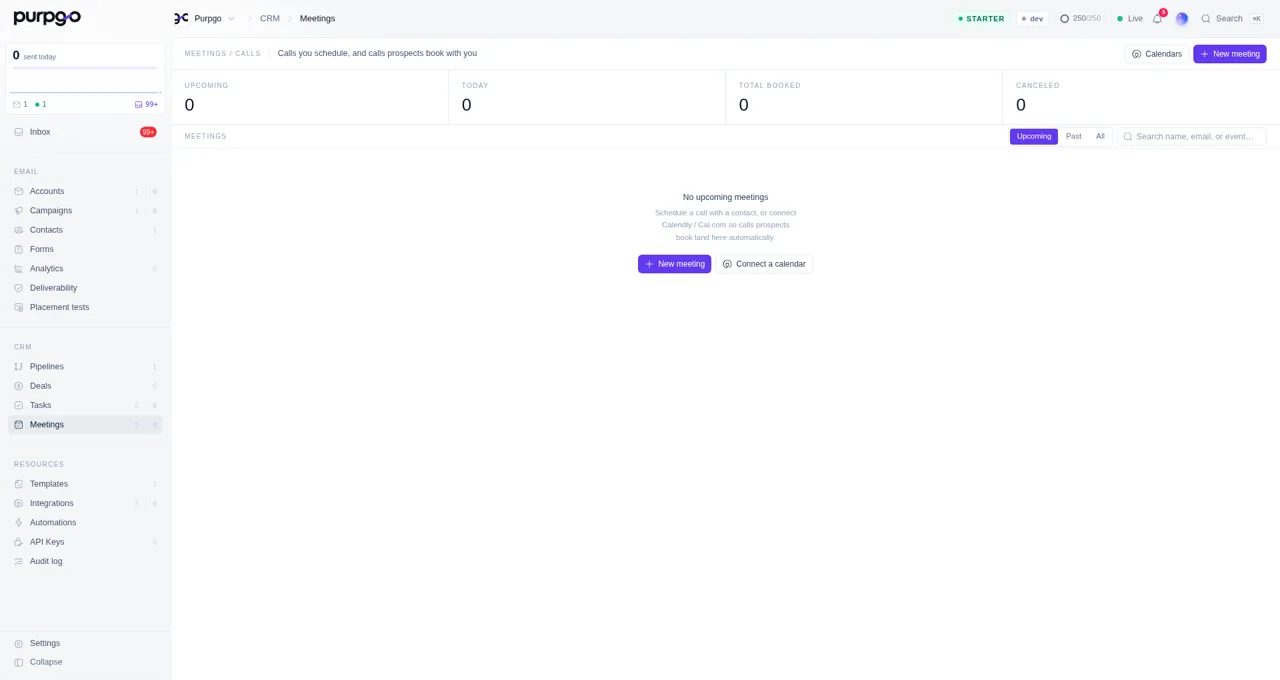
Calls you schedule, and calls prospects book with you. Schedule a call with a contact, or connect Calendly or Cal.com so booked calls land here automatically.
Ready to try it? Open app.purpgo.com →