
Guide / Audience
Contacts
Your people, with labels, reusable segments and a suppression list that keeps the wrong addresses out of every campaign.
Where to find it
Sidebar → Email → Contacts. Tabs along the top switch between All contacts, Segments, Labels and Suppression list.
Why it matters
Good targeting beats more volume. Contacts is where your list lives, where you shape it into audiences, and where Purpgo protects you from emailing people who asked you to stop.
All contacts
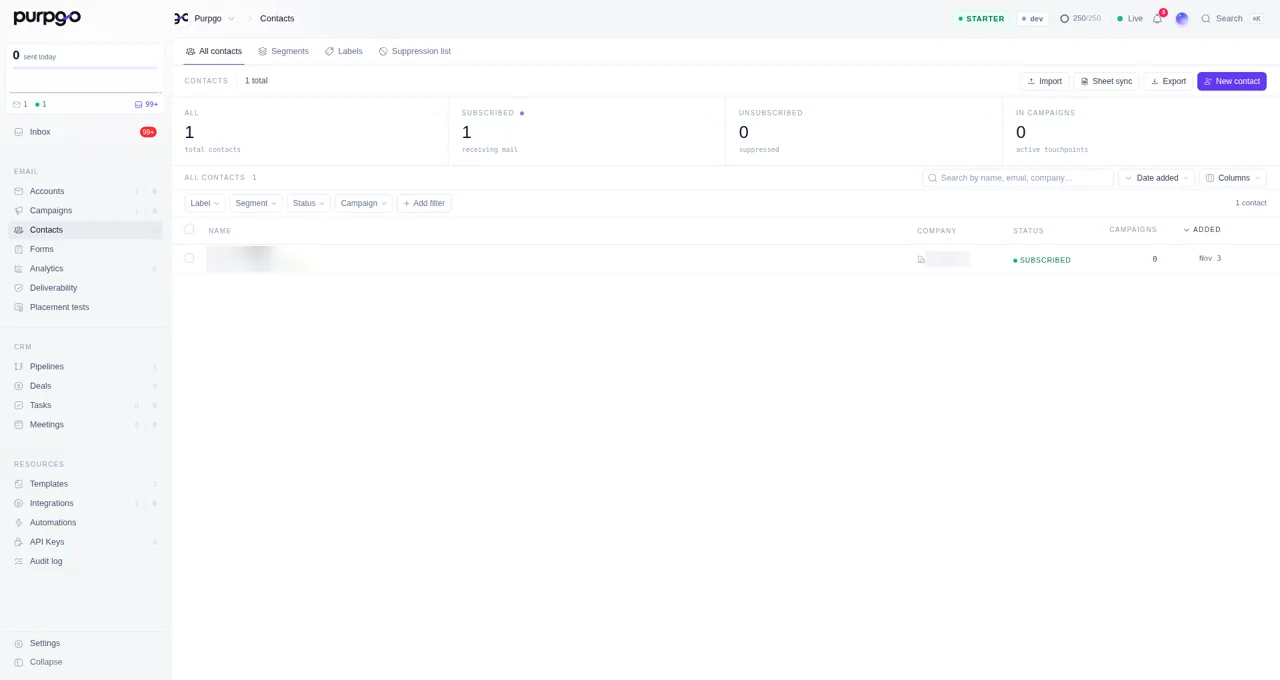
Counters show everyone, who is subscribed and receiving mail, who has unsubscribed, and who is in a campaign right now.
Bring people in with Import, keep a spreadsheet in step with Sheet sync, or add one by hand with New contact. Export takes a copy out. Filter by label, segment, status or campaign, add your own filters, and choose which columns show.
Segments
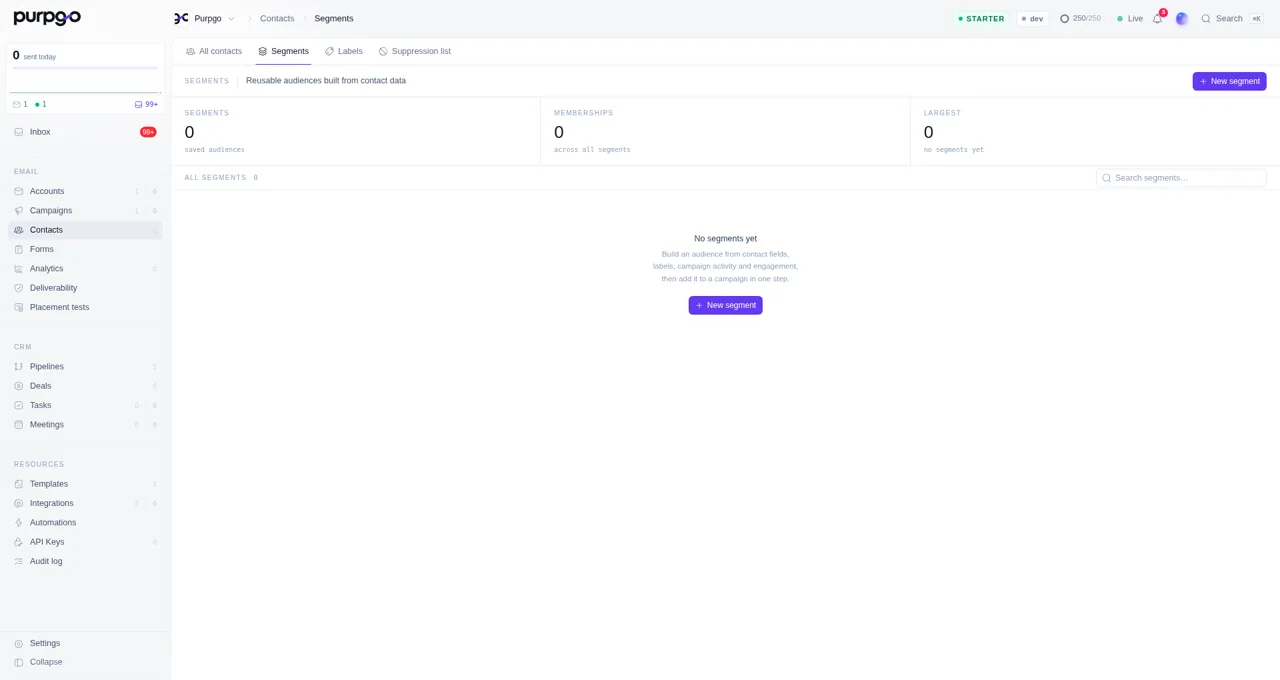
A segment is a reusable audience built from contact fields, labels, campaign activity and engagement. Build it once, then add it to a campaign in one step.
Labels
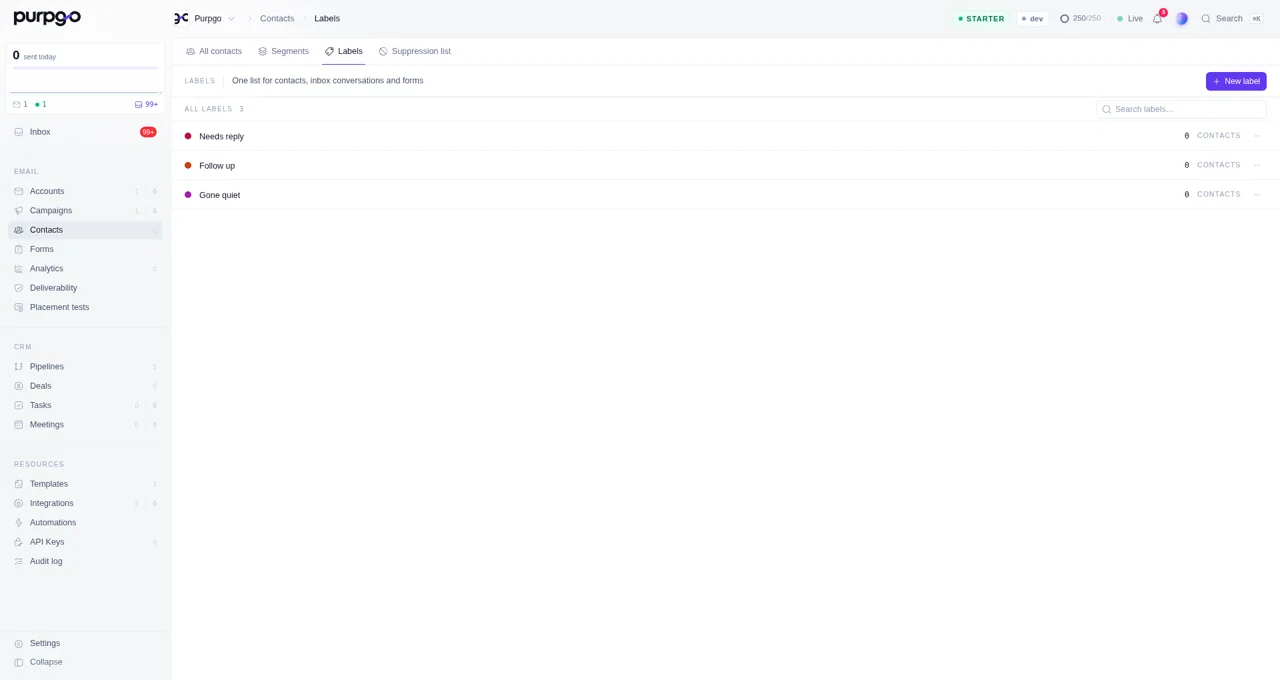
Labels are one list shared by contacts, inbox conversations and forms. Every workspace starts with Needs reply, Follow up and Gone quiet, and you can add your own with New label.
Suppression list
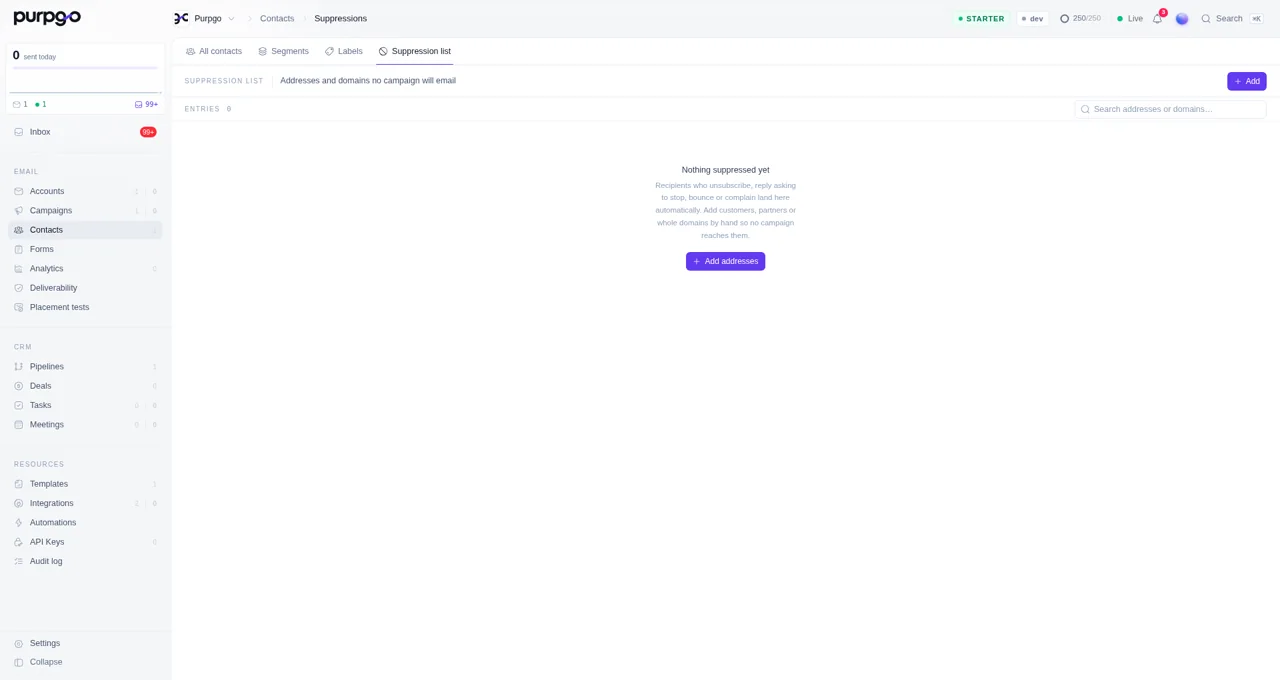
Addresses and domains here are never emailed by any campaign. Recipients who unsubscribe, reply asking to stop, bounce or complain land here automatically. Add customers, partners or whole domains by hand so no campaign reaches them.
Ready to try it? Open app.purpgo.com →