
Guide / Insights
Analytics and deliverability
See how your email performs and whether it reaches the inbox, across every campaign and mailbox.
Where to find it
Sidebar → Email → Analytics, and Sidebar → Email → Deliverability.
Why it matters
Sending is only half the job. Analytics tells you what works; Deliverability warns you early when bounces, complaints or spam placement start to rise.
Analytics
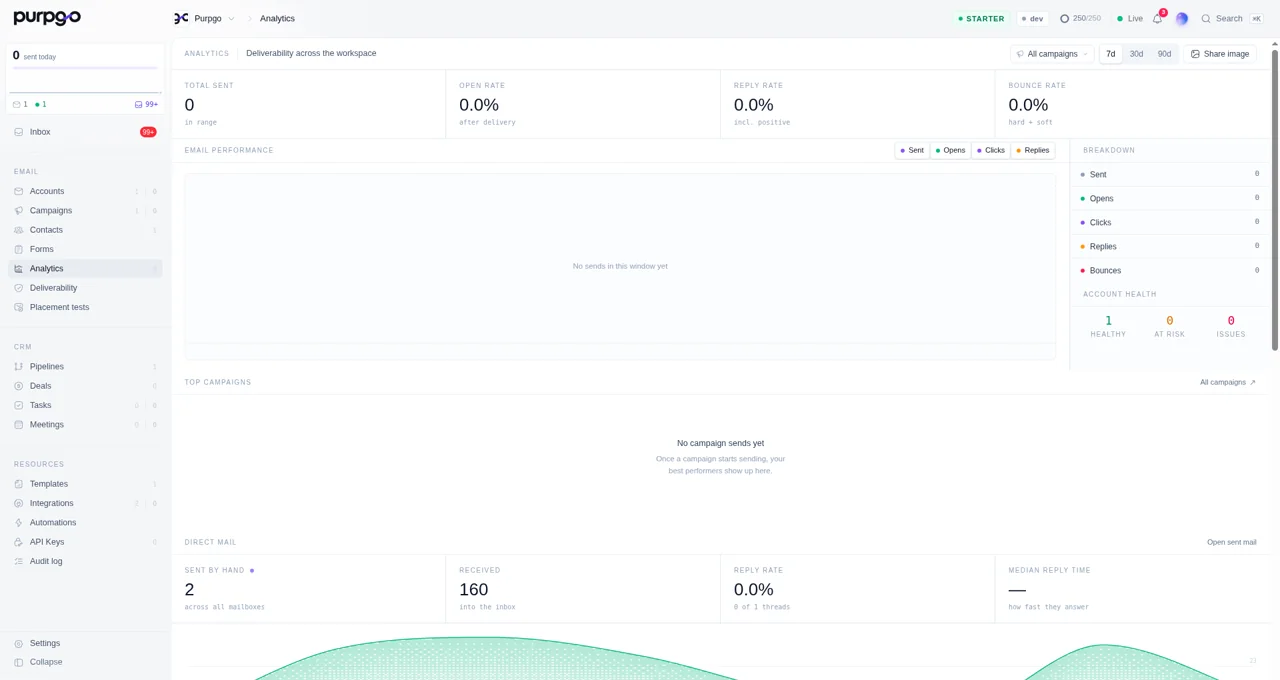
Total sent, open rate, reply rate and bounce rate head the page, for 7, 30 or 90 days and for all or one campaign. A chart plots sends, opens, clicks and replies, with a breakdown and account health (healthy, at risk, issues) alongside.
Top campaigns ranks your best performers. Direct mail covers the email you send by hand: sent, received, reply rate and median reply time. Share image exports a snapshot.
Deliverability
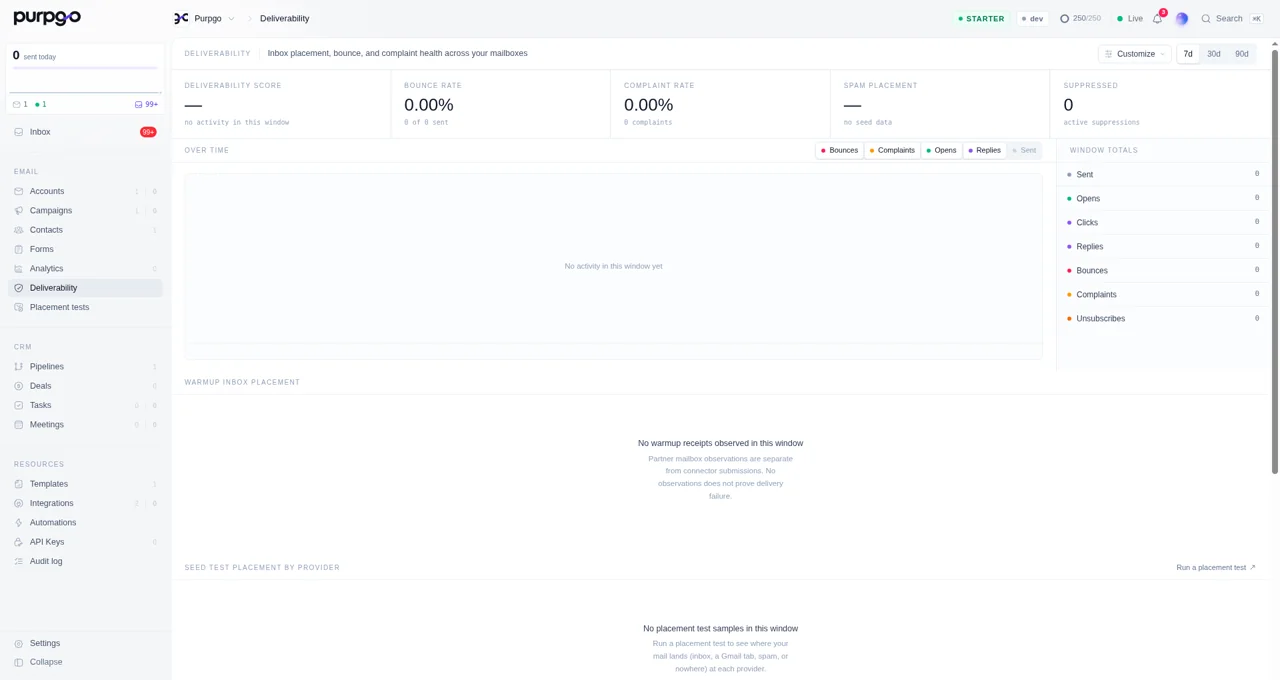
A deliverability score, bounce rate, complaint rate, spam placement and active suppressions, over 7, 30 or 90 days. A chart tracks bounces, complaints, opens, replies and sends, with window totals that include unsubscribes.
Warmup inbox placement shows where warmup mail was observed landing. Seed test placement by provider shows where a placement test landed (inbox, a Gmail tab, spam, or nowhere) at each provider, and Run a placement test starts one.
Ready to try it? Open app.purpgo.com →