
Guide / Account
Billing
Your plan, payment method, invoices and live usage against your limits.
Where to find it
Sidebar → Settings → Billing.
Why it matters
Know what you pay, when it renews and how close you are to each limit, before it matters.
Subscription
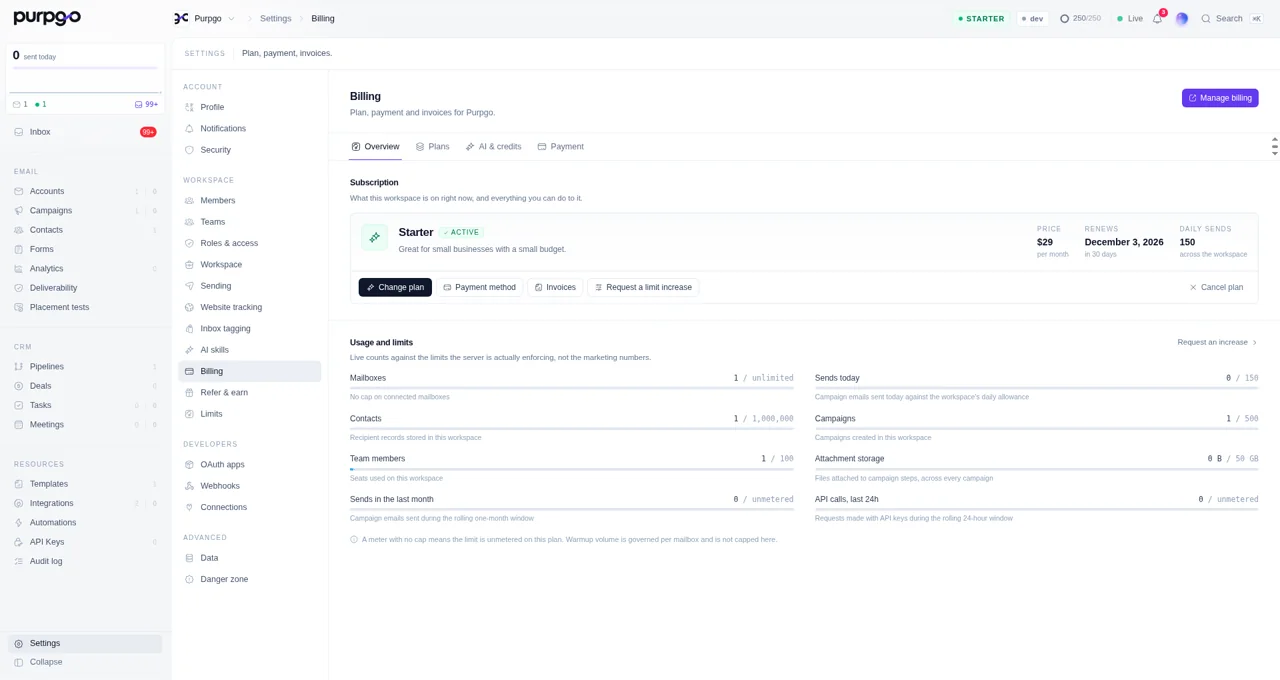
The Overview tab shows your current plan with its price, renewal date and daily sends across the workspace. From here you can change plan, update the payment method, open invoices, request a limit increase or cancel. Manage billing opens the billing portal, and the Plans, AI & credits and Payment tabs go deeper.
Usage and limits
Live counts against the limits the server actually enforces: mailboxes, sends today, contacts, campaigns, team members, attachment storage, sends in the last month and API calls in the last 24 hours. A meter with no cap is unmetered on your plan. Warmup volume is governed per mailbox and is not capped here.
Ready to try it? Open app.purpgo.com →